# 在FONSCAN验证合同

**一步：**&#x5728;FON智能链上部署你的合约

**第 2 步：**&#x8F6C;到 [**FON SCAN**](https://fonscan.com/verified-contracts)

点击“验证并发布”

<figure><img src="/files/6SPTfpEXo5lLI2NCExzF" alt=""><figcaption></figcaption></figure>

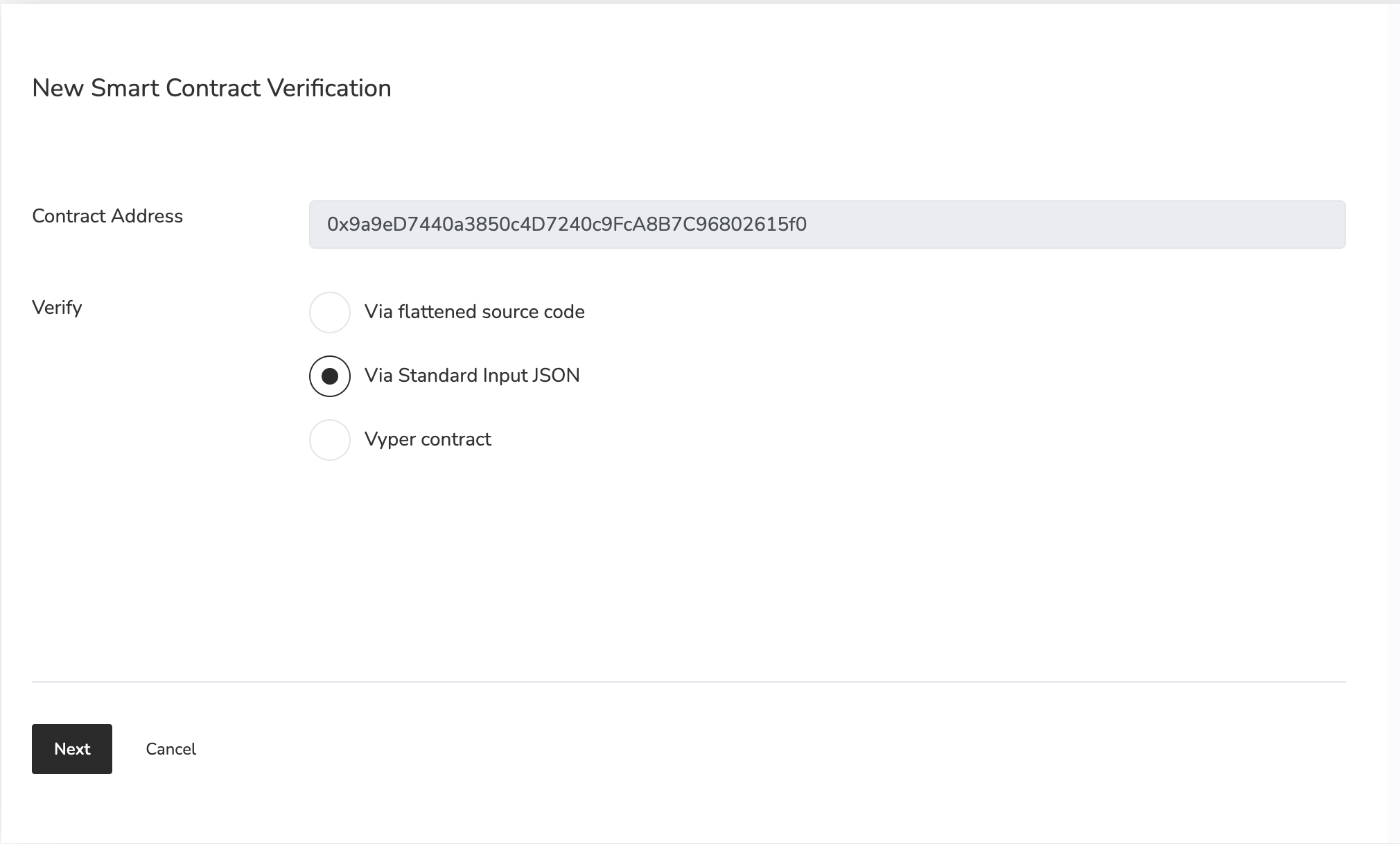
**第三步：**&#x586B;写您的合同的正确信息

<figure><img src="/files/nJkyWtY1LmAvFmToipiL" alt=""><figcaption></figcaption></figure>

* 合约地址
* 您在 Remix 或其他编译器中选择的编译器类型
* 选择开源许可证类型

**第 4 步：** 输入 Solidity 合约代码

如果已启用，您需要为优化选择“是”。

构造函数参数是可选的。如果您的合约有，您可以转到[此页面](https://abi.hashex.org/#)生成编码的 ABI json。

！！！信息

```
The default FRC20 contract template does not have a constructor method
```

单击“验证并发布”以完成此过程。现在你已经准备好了！


---

# Agent Instructions: Querying This Documentation

If you need additional information that is not directly available in this page, you can query the documentation dynamically by asking a question.

Perform an HTTP GET request on the current page URL with the `ask` query parameter:

```
GET https://docs.fonscan.io/zh_cn/develop/verifycontract.md?ask=<question>
```

The question should be specific, self-contained, and written in natural language.
The response will contain a direct answer to the question and relevant excerpts and sources from the documentation.

Use this mechanism when the answer is not explicitly present in the current page, you need clarification or additional context, or you want to retrieve related documentation sections.